InvoiceCharlie vs Zoho Invoice
InvoiceCharlie compared with Zoho Invoice, which is free: what you get with each, and when free is the right answer.
Written by us, about a competitor — read it that way.
Everything below about Zoho Invoice is taken from what they publish themselves, checked on 18 October 2026. Prices and plans change; check theirs before deciding. Their pricing page.
Where Zoho Invoice is the better choice
- It is free. For a lot of small businesses that settles it, and we would rather say so than pretend otherwise.
- It covers quotes, recurring invoices, expenses, timesheets, payment reminders and a customer portal, with native phone apps.
- It sits inside the wider Zoho family (CRM, Books and more), which suits businesses already using Zoho.
Where InvoiceCharlie is the better choice
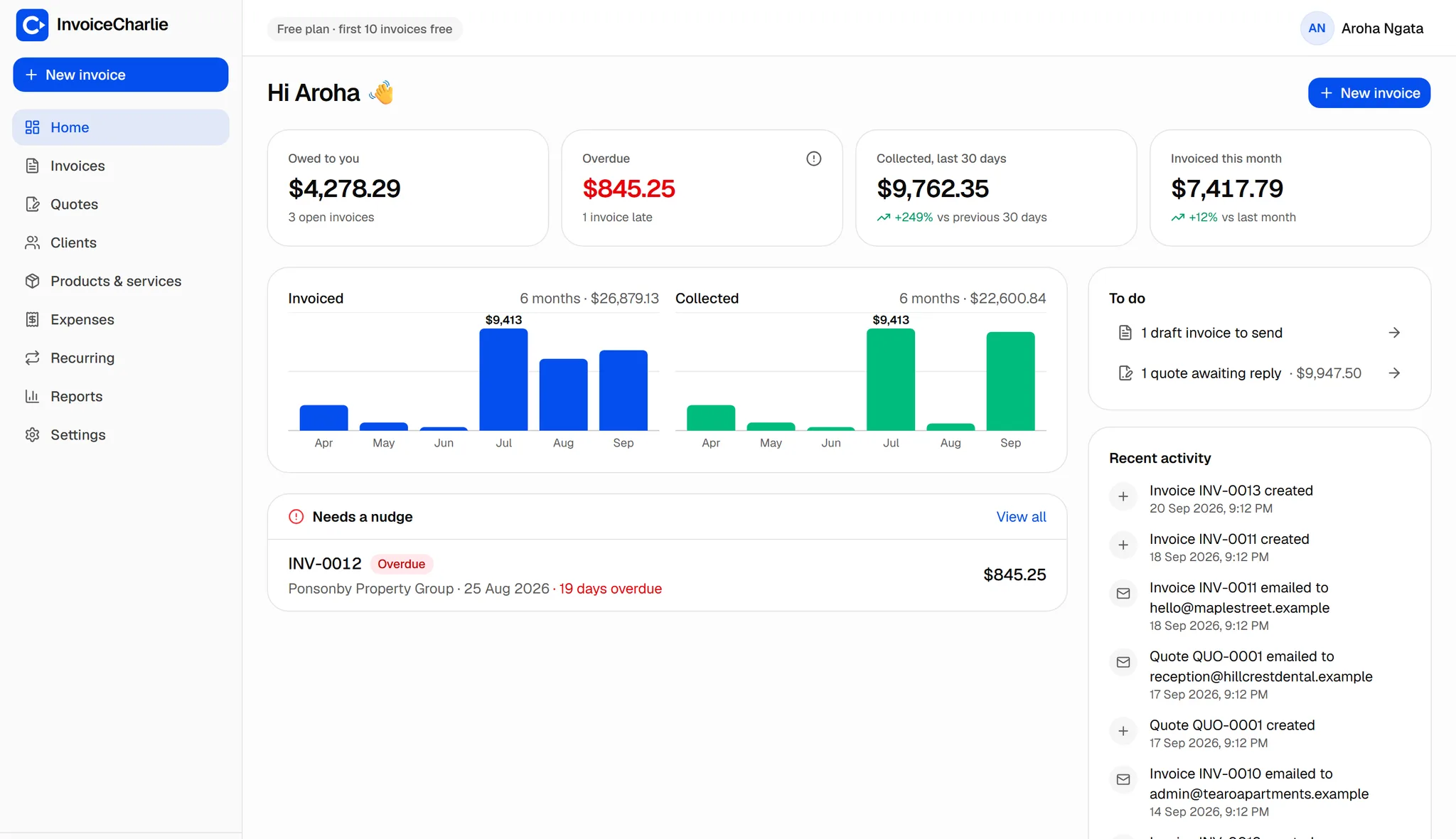
- Built for speed rather than breadth: no setup, and an invoice can be drafted from a sentence or a voice note with the AI assistant.
- A free invoice maker that needs no account at all, and invoices in your client's language.
- Plain, published limits: 10 invoices free, then $1 each capped at $12 a month, or $99 a year.
Side by side
| InvoiceCharlie | Zoho Invoice | |
|---|---|---|
| Price | Free for 10 invoices, then $1 each, capped at $12/month (USD) | Free |
| Native phone apps | Web app (installable) | Yes |
| Make an invoice without an account | Yes — free invoice maker | Sign-up required |
| Draft an invoice from a sentence or voice note | Yes (AI assistant) | Not on its pricing page |
Zoho's pricing page says Zoho Invoice is free for small business owners, freelancers and entrepreneurs ($0), and links to its iPhone and Android apps.
Which should you pick?
If free matters most, Zoho Invoice is a genuinely good free tool and a fair place to start. Choose us if you want the fastest possible route from a job finished to an invoice sent, with nothing to set up.
Try it on one real invoice
The fastest way to know is to send one. It takes about a minute and costs nothing.
Start free