The best free invoicing software — and where the catch usually is
What 'free' actually means in invoicing software: the four ways free tools make money, and how to tell which one you are dealing with before you have 200 invoices inside it.
Written by us, about a competitor — read it that way.
Everything below about free invoicing tools is taken from what they publish themselves, checked on 20 September 2026. Prices and plans change; check theirs before deciding.
Where free invoicing tools is the better choice
- A genuinely free tool with no cap is the cheapest option there is, and if you find one that fits, take it.
- Some free tiers are funded by payment fees you would be paying anyway, which makes them free in practice.
Where InvoiceCharlie is the better choice
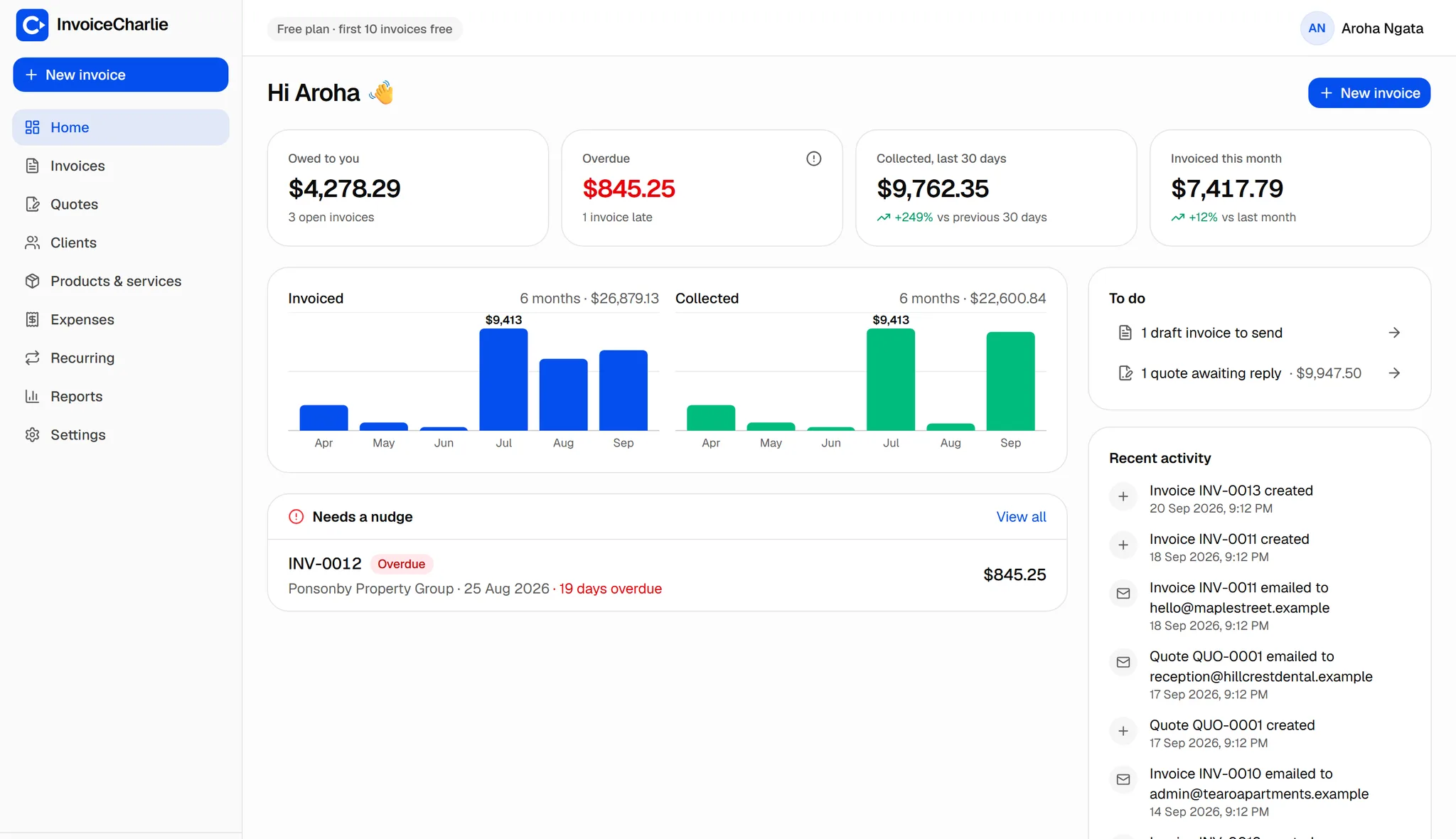
- We tell you the catch on the pricing page: your first 10 invoices are free and carry a small "Sent with InvoiceCharlie" line. After that it is $1 an invoice, capped at $12 a month.
- Your data is exportable as CSV at any time, so a free tier never becomes a trap.
Side by side
| InvoiceCharlie | free invoicing tools | |
|---|---|---|
| The catch, stated | A small "Sent with" line on free invoices | Varies — worth finding before you commit |
| Cap on invoices | 10 free for the life of the account | Often a monthly cap |
| Export your data | CSV, any time | Varies |
Free tiers are usually funded by payment processing fees, by a cap on invoices, by advertising the tool on your invoice, or by upselling accounting features.
Which should you pick?
There is no such thing as free software; there is only software where you have found the catch and software where you have not. Ours is a line of text on the invoice and a limit of ten. Whatever you choose, find the catch before you have two hundred invoices inside it.
Try it on one real invoice
The fastest way to know is to send one. It takes about a minute and costs nothing.
Start free